One particular painful experience I had under MacOS was that it seems not to be possible with on-board settings to configure which program / action should be used on execution of a Link.
Similar as you would choose a default Browser or Email app, this is needed for far more than just the browser.
e.g.:
- open
mailto://links withoutlook - open
ssh://links withkitty-term - open
ftp://withtransmission
and so on…
As usual on Mac - you have to do this the manual way - as a short howto save I wrote down how:
PrefPane: SwiftDefaultApps
Prerequisite: you have Homebrew installed. Then execute:
brew install swiftdefaultappsprefpane
(source: github.com/Lord-Kamina/SwiftDefaultApps)
Afterwards run this in a Terminal:
appDir="/Library/PreferencePanes/SwiftDefaultApps.prefPane/Contents/Resources/ThisAppDoesNothing.app"

if ! [[ -d "$appDir" ]]; then appDir="$HOME/$appDir"; fi

# Remove quanrantine flag
xattr -d com.apple.quarantine "$appDir"
# Open the app
open "$appDir"
Done - Ready to set via UI
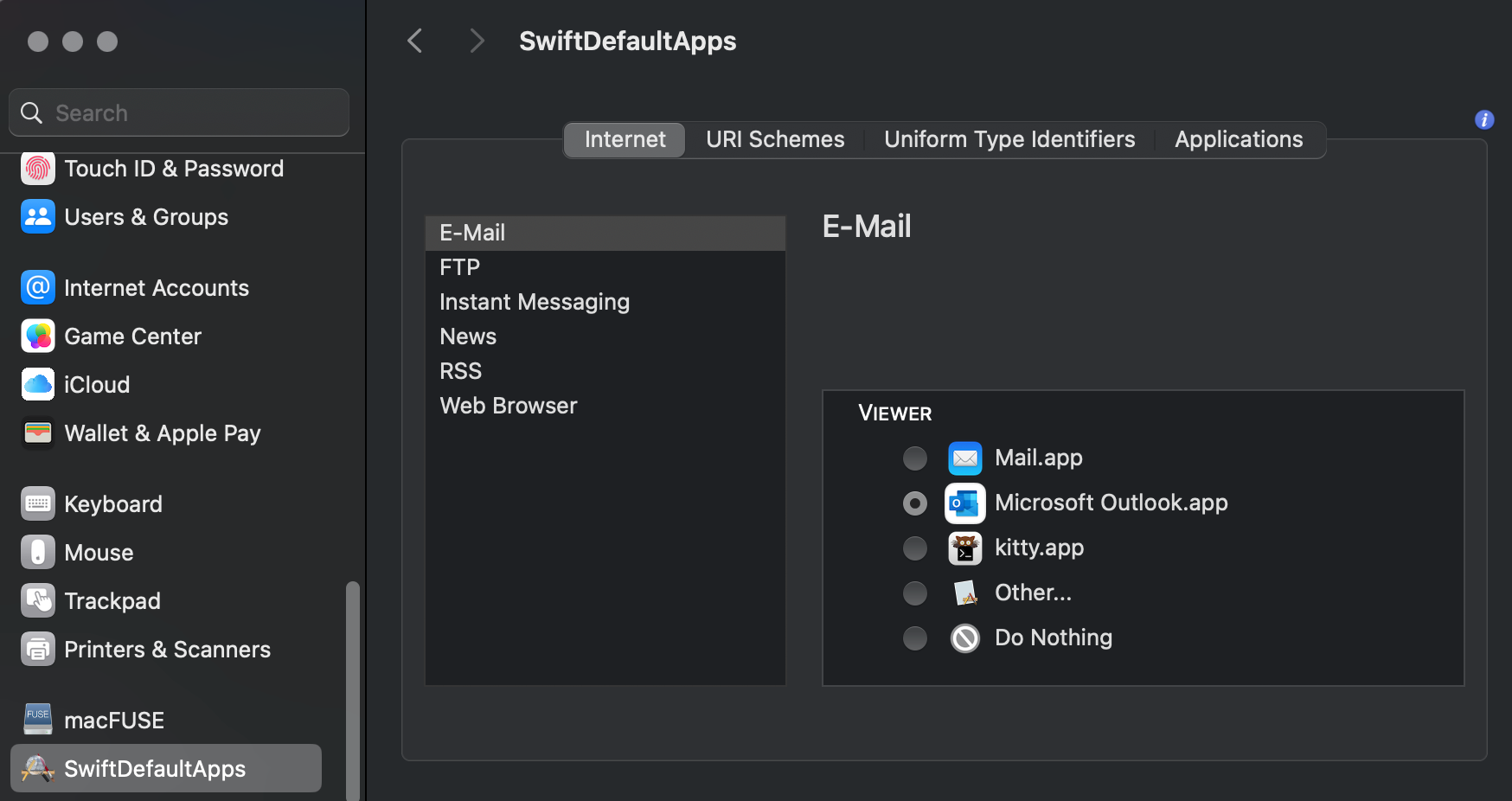
After succesful installation you will find the option SwiftDefaultApps in the System Settings:
Comments
With an account on the Fediverse or Mastodon, you can respond to this post. Since Mastodon is decentralized, you can use your existing account hosted by another Mastodon server or compatible platform if you don't have an account on this one. Known non-private replies are displayed below.